The Best Birthday Slideshow Maker: A 2026 Guide
Birthdays are milestones, moments to pause, reflect, and celebrate the journey of a life. And what better way to do that than with a heartfelt birthday slideshow? It‘s a tradition that transcends generations, bringing smiles, laughter, and perhaps a few happy tears. But in a world overflowing with digital tools, how do you choose the best birthday slideshow maker to truly capture the magic of the occasion? As we look to 2026, the landscape of slideshow creation has evolved, offering more intuitive, feature-rich options than ever before. Gone are the days of clunky software and endless rendering times. Today's top contenders leverage AI, cloud computing, and user-friendly interfaces to transform your cherished photos and videos into cinematic masterpieces in minutes, not hours. Whether you're crafting a nostalgic look back at childhood memories, a vibrant tribute to a loved one's latest year, or a surprise presentation for a milestone age, the right tool can make all the difference. This guide will walk you through what to prioritize when selecting a birthday slideshow maker and how to effortlessly create a memorable, personalized experience that will be talked about long after the candles are blown out. Get ready to turn those treasured moments into a stunning visual story, because every birthday deserves to shine.
- →Look for a birthday slideshow maker with an intuitive interface, often AI-powered, to streamline the creation process.
- →Prioritize features like diverse music libraries, text overlays, and easy sharing options for a personalized touch.
- →Aim for a slideshow duration of 3 to 5 minutes, using roughly 10-12 photos per minute for optimal pacing.
- →While free options exist, consider the value of premium features for truly cinematic results.
- →Always back up your original photos and videos before starting your slideshow project.
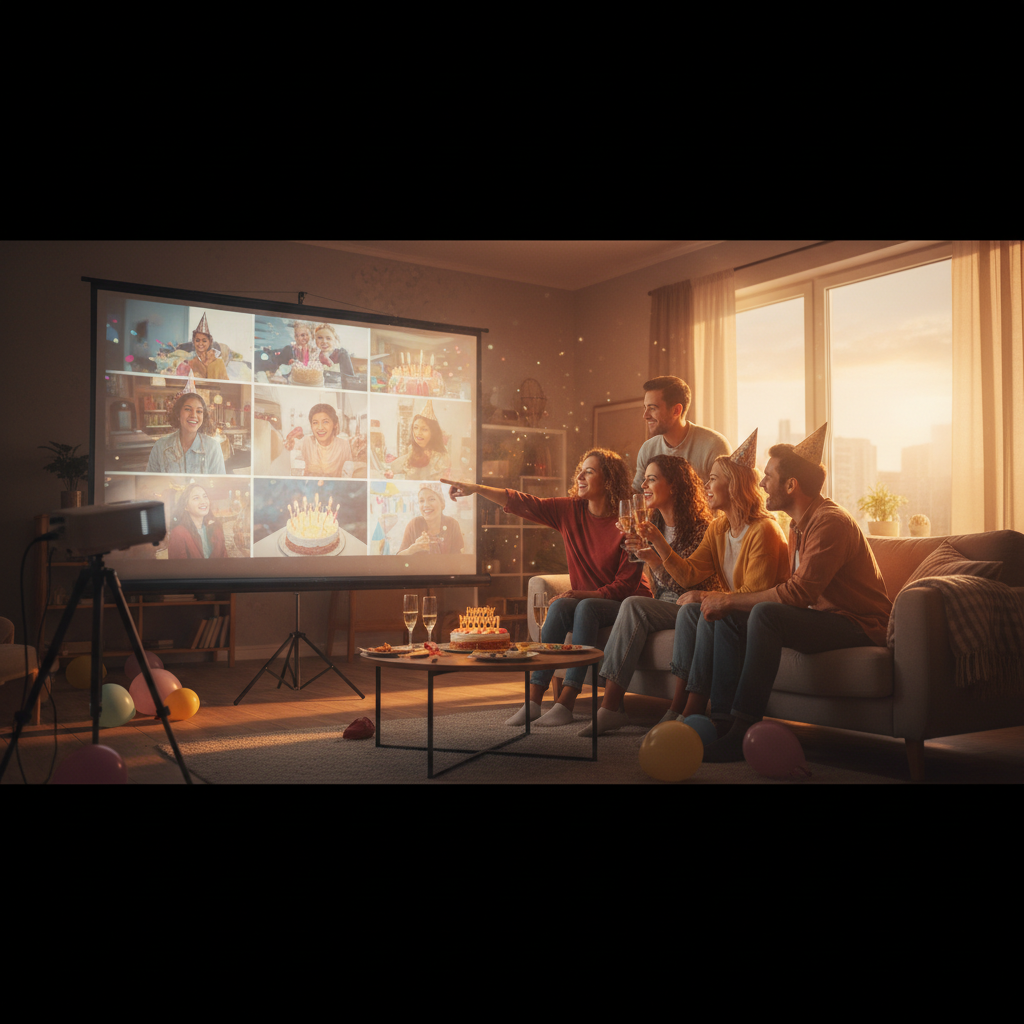
1. What Makes a Birthday Slideshow Truly Special?
A great birthday slideshow isn't just a collection of photos; it's a narrative. It tells a story, evokes emotions, and creates a shared experience for everyone watching. Think about the feeling you want to convey: joy, nostalgia, humor, love. The best slideshow makers understand this and provide the tools to craft that story with ease. It's about seamlessly blending images, perhaps with short video clips, the perfect soundtrack, and a few well-placed captions or quotes.
- <b>Personalization:</b> The ability to customize everything from transitions to text styles.
- <b>Emotional Resonance:</b> Tools that help you set the mood, like curated music libraries and subtle visual effects.
- <b>Ease of Use:</b> An intuitive interface that allows you to focus on the story, not the software.
- <b>Cinematic Quality:</b> Features that elevate your slideshow from basic to breathtaking, like intelligent pacing and professional-grade themes.
2. Key Features to Look For in a 2026 Birthday Slideshow Maker
As technology advances, so do the capabilities of slideshow makers. In 2026, expect more AI integration and cloud-based solutions that simplify the entire process. Here's what to keep an eye out for:
Automatically selects the best photos and syncs them to your chosen music. Saves hours of manual work.
Access to licensed tracks for every mood, from upbeat pop to heartfelt ballads. Royalty-free options essential.
Effortlessly rearrange photos, add text, and apply effects without any technical know-how.
Seamlessly weave short video snippets into your photo montage for dynamic storytelling.
Export in HD or 4K, with direct sharing options to social media, YouTube, or private links.
Allows multiple people to contribute photos and ideas, perfect for group celebrations.
The best solutions, like Cinematic Slideshow Studio, will offer a robust set of these features, often with a free tier that allows you to experiment and create stunning basic slideshows before committing to premium options for advanced customization.
3. Crafting the Perfect Narrative: Photos, Videos, and Music
The heart of your birthday slideshow lies in its content. Don't just dump every photo you have; be selective. Think of it as curating a highlights reel. For a 5-minute slideshow, you'll want approximately 50-60 photos. That gives each photo about 5 seconds of screen time, a good balance between showing enough detail and keeping the pace engaging. If you include video clips, remember that even a 10-second clip can feel long in a fast-paced slideshow, so trim them carefully. For a deeper dive into photo count, check out our guide on <link to how many photos for 5-minute slideshow>.
Starting with baby pictures and progressing through the years is a classic for a reason! It creates a powerful sense of nostalgia and allows the audience to visually track a life's journey. For younger subjects, consider focusing on the most recent year's adventures.
Music is the soul of your slideshow. It sets the tone, dictates the pace, and amplifies emotions. For birthdays, consider a mix: an upbeat opener, a sentimental middle, and a celebratory closer. Popular choices often include songs like Stevie Wonder's "Happy Birthday" or The Beatles' "Birthday," but don't be afraid to choose tracks with personal significance to the birthday person. Just ensure you select royalty-free music or use a platform with a licensed music library to avoid copyright issues, especially if you plan to share publicly. Wikipedia has a great list of popular birthday songs if you need inspiration, though many are copyrighted for commercial use (<ext_link to wikipedia birthday songs>).
Get the weekly digest
No spam. Unsubscribe anytime.
4. Before You Start: Organizing Your Media
The secret to a stress-free slideshow creation process? Preparation. Before you even open your chosen birthday slideshow maker, gather and organize all your photos and videos. Create a dedicated folder on your computer named something like "[Name]'s Birthday Slideshow 2026." Within that, you might create subfolders for different years or themes (e.g., "Baby Photos," "Childhood Adventures," "Teen Years," "Recent Memories").
- <b>Curate:</b> Go through your photo library and select only the best, highest-quality images. Delete duplicates, blurry shots, and anything that doesn't add to the story.
- <b>Rename:</b> Consider renaming photos chronologically (e.g., "1995-01-HappyBday.jpg," "2003-SummerVacay.jpg") to make sequencing easier.
- <b>Backup:</b> Always keep original copies of your media in a separate, secure location before you start editing or uploading. Cloud storage services like Google Photos or Dropbox are excellent for this.
This upfront organization will save you significant time and frustration once you're in the editing phase, allowing you to focus on the creative flow rather than hunting for files.
5. Making Your Birthday Slideshow Interactive and Shareable
Once your masterpiece is complete, the next step is sharing it! Modern birthday slideshow makers offer a variety of ways to present your creation. Beyond simply playing it on a TV at a party, think about how people will experience it digitally.
| Sharing Method | Pros | Cons |
|---|---|---|
| Direct Link Sharing | Easy, private, no downloads needed for viewers. | Requires an internet connection; link can be shared beyond your control. |
| Social Media Upload | Reach a wider audience, integrated into daily browsing habits. | Compression can reduce quality, public sharing, potential copyright issues for music. |
| Downloadable File (MP4) | Highest quality, offline viewing, full control. | Large file sizes, requires downloading; not ideal for instant sharing on mobile. |
| Embedded on Website/Blog | Integrates seamlessly into a personal site, professional look. | Requires a website; less direct for casual viewing. |
Consider adding a simple call-to-action at the end of your slideshow, like "Happy Birthday, [Name]!" or "Leave your birthday wishes in the comments below." This encourages interaction and makes the experience even more engaging.
Frequently asked questions
One short note. One great slideshow idea. Every week.
No spam. Unsubscribe anytime.
Comments (0)
Be the first to comment.
