How Many Photos Should a 5-Minute Slideshow Have?
You're planning a special event – a milestone birthday, a touching memorial, or a beautiful wedding celebration – and envision a captivating slideshow to tell your story. But then the question hits: "How many photos should a 5-minute slideshow have?" It's a common dilemma, and the answer isn't always straightforward. Too few photos, and your audience might grow restless; too many, and the precious moments flash by in a blur. The sweet spot lies in balancing visual rhythm with emotional impact, ensuring each image has enough time to resonate. This guide will walk you through the math and the art of crafting a perfectly paced 5-minute photo slideshow, taking into account different occasions and helping you make every second count. We'll help you discover the ideal photo count, explore the impact of music and transitions, and share practical tips to create a memorable experience for your viewers.
- →For a standard 5-minute slideshow with a typical photo duration of 3-5 seconds, aim for 60-100 photos.
- →The ideal photo count varies by event: memorials often use more photos (100-120) with shorter display times, while weddings might use fewer (75-90) with slightly longer views.
- →Pacing, music, and transitions significantly influence the perceived length and impact of your slideshow, more so than just the raw photo count.
- →Consider the emotional weight of each photo – some may need more screen time than others.

1. The Golden Rule: Photo Duration Per Image
Before we dive into specific photo counts, let's establish the fundamental principle: the duration each photo appears on screen. This is the bedrock of your slideshow's pacing. Most experts agree that a sweet spot for photo duration is between 3 to 5 seconds per image. Any less, and your audience might feel rushed; any more, and they could lose interest, especially with static images.
- **3 Seconds Per Photo:** Ideal for fast-paced, high-energy slideshows, or when you have a very large number of photos for a short duration (e.g., a rapid-fire recap of a year).
- **4 Seconds Per Photo:** A versatile default that works well for most events, providing a comfortable viewing experience without feeling too slow.
- **5 Seconds Per Photo:** Best for emotional, reflective slideshows, or when you want viewers to truly absorb the details of each image (e.g., detailed wedding photos or poignant memorial shots).
- **6+ Seconds Per Photo:** Use sparingly, typically for a very limited number of impactful, high-resolution photos where intricate details need to be savored, or for title slides.
Once you have your desired per-photo duration, the math becomes simple: total slideshow duration (in seconds) divided by your chosen photo duration. For a 5-minute slideshow (300 seconds), here's how it breaks down:
2. The Math: Calculating Photos for a 5-Minute Slideshow
Let’s do the quick calculation for our 5-minute (300-second) target:
| Photo Duration | Number of Photos for 5 Minutes |
|---|---|
| 3 seconds | 100 photos |
| 3.5 seconds | 85-86 photos |
| 4 seconds | 75 photos |
| 4.5 seconds | 66-67 photos |
| 5 seconds | 60 photos |
As you can see, a 5-minute slideshow can comfortably accommodate anywhere from 60 to 100 photos, depending on how quickly you want the images to transition. We generally recommend aiming for the middle ground – around 75 to 90 photos – to provide a good balance of pace and detail. Remember, these are guidelines, not rigid rules. The emotional content and flow of your particular story will always be the most important factor.
Don't forget to allocate time for an opening title slide and a closing slide (e.g., 'Thank You' or 'In Loving Memory'). Each of these might display for 5-10 seconds, slightly reducing the time available for your main photo sequence. One or two impactful video clips (5-15 seconds each) will also reduce photo count.
3. Tailoring Your Photo Count to the Occasion
While the math provides a solid starting point, the specific event profoundly influences your ideal photo count and pacing. A joyous birthday celebration calls for a different rhythm than a solemn memorial tribute.
Aim for 75-90 photos. Focus on key moments: childhood, engagement, wedding day highlights. Use 4-5 second durations.
Often benefit from more photos, around 100-120, with slightly shorter durations (3-4 seconds) to cover a lifetime effectively. Include candid shots and significant milestones.
Around 80-100 photos. Mix candid and posed. A 3-4 second duration keeps the energy up. Include photos from across the years.
60-80 photos. Highlight academic journey, friendships, achievements. A 4-5 second display allows appreciation of each milestone.
Can have more photos, 80-100+, with 3-4 second durations. Keep the pace moving to convey the adventure. Group similar photos.
For emotionally charged events like memorials, a slightly higher photo count with a quicker pace can sometimes be more impactful than lingering too long on a single image, as it allows you to cover more facets of a life lived. Conversely, a wedding slideshow might benefit from slightly longer durations for pivotal ceremony or reception shots, letting the grandeur sink in. Thinking about the narrative you want to tell helps dictate the pace, and consequently, the number of photos you select.
Once you have a rough photo count and duration, piece together a draft. Watch it through. Does it feel too fast? Too slow? Trust your gut and the reactions of a test audience.
Get the weekly digest
No spam. Unsubscribe anytime.
4. The Role of Music & Transitions
Beyond just the number of photos, music and transitions are the conductors of your slideshow's rhythm. The right song can elevate your presentation from a simple photo display to a moving cinematic experience. For a 5-minute slideshow, you might use 1-2 songs, depending on their length and how seamlessly they can be crossfaded or edited. For example, a single, flowing track like Ludovico Einaudi's "Nuvole Bianche" (5 minutes 37 seconds) could provide a continuous, reflective mood, while a more upbeat selection like "Happy" by Pharrell Williams (3 minutes 53 seconds) might be paired with a shorter, instrumental track to fill out the 5 minutes.
- **Music Tempo:** Fast-paced music naturally encourages quicker photo transitions, while slower, more melodic tunes lend themselves to longer image display times. Match your photo duration to the beat of your chosen song.
- **Song Selection:** For a 5-minute slideshow, aim for songs that are roughly 2.5 to 5 minutes long. You might use one full song or a carefully edited medley of two. Consider the emotional arc.
- **Transitions:** Subtle fades and dissolves are often best, allowing the focus to remain on the photos. Overly elaborate or rapid transitions can be distracting and make the slideshow feel rushed, even with fewer photos. Keep them consistent throughout your production.
Many free AI cinematic slideshow makers, like our own at Cinematicslideshowstudio.com, allow you to easily sync your photo transitions to the beat of your chosen music, making the whole process much smoother and more professional. This direct syncing can help you organically determine your final photo count and ensure a harmonious viewing experience.
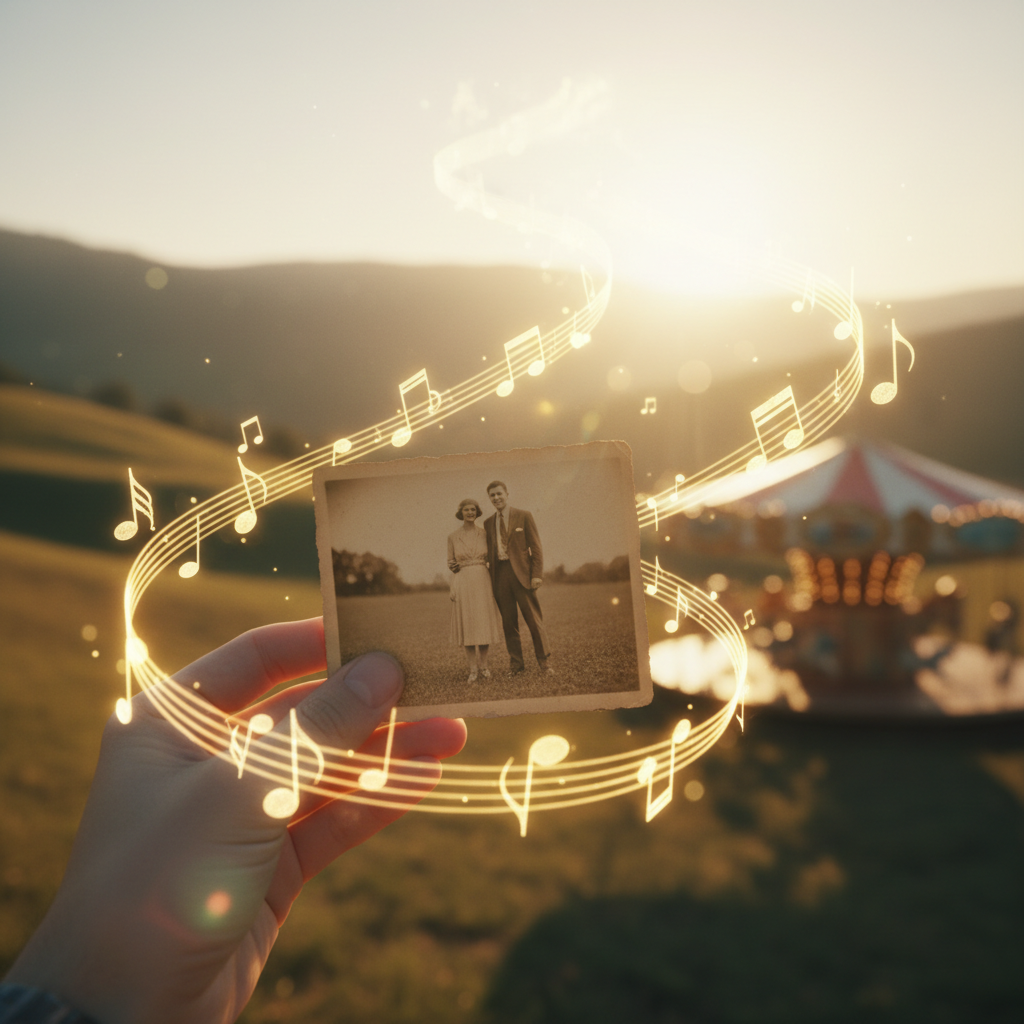
Harmonizing Visuals and Audio
The magic of a truly cinematic slideshow lies in the seamless interplay between your images and the accompanying music. Think of your slideshow not just as a collection of photos, but as a visual story unfolding to a soundtrack. When the photos change in rhythm with the music, the experience becomes immersive and memorable. A carefully chosen song can evoke nostalgia, joy, or reverence, making each image resonate more deeply. This synchronization is key to preventing your 5-minute presentation from feeling either too short or dragging on.
5. Common Pitfalls to Avoid
Even with the right photo count, certain missteps can derail your 5-minute masterpiece. Be mindful of these common errors:
While light enhancements are fine, excessive filters or heavy-handed editing can distract from the genuine emotion of the moment. Aim for natural, consistent aesthetics. Too many different looks can make the slideshow feel disjointed.
Try to use photos of similar resolution and clarity. Mixing blurry, low-res images with sharp, high-res ones can be jarring for viewers. Prioritize quality where possible, or use photo editing tools to improve consistency.
Always use royalty-free music or tracks you have explicit permission to use, especially if sharing publicly. YouTube's Audio Library or services like Epidemic Sound offer great options. Using copyrighted music without permission can lead to your slideshow being muted or taken down. For more info, refer to reputable sources like the U.S. Copyright Office.
A slideshow, even a short one, tells a story. Arrange your photos chronologically or thematically to create a coherent narrative. Don't just dump photos randomly; guide your audience through a journey.
By avoiding these pitfalls, you'll ensure your 5-minute slideshow not only has the right number of photos but also delivers a polished, heartfelt experience for everyone watching. Remember that sometimes less is more. If you're struggling to hit a specific photo count, it's better to have fewer, more impactful photos than to dilute your presentation with filler.
Frequently asked questions
One short note. One great slideshow idea. Every week.
No spam. Unsubscribe anytime.
Comments (0)
Be the first to comment.
