How to Make a Wedding Slideshow (Free, in 30 Minutes)
Planning a wedding already involves a million decisions, from the perfect venue to the ideal floral arrangements. The last thing you need is another complex task added to your plate, especially something as seemingly intricate as creating a beautiful, cinematic wedding slideshow. Old-school methods often involve expensive software, steep learning curves, and hours of tedious editing. But what if you could create a stunning, emotionally resonant wedding slideshow, completely free and within about 30 minutes, right from your web browser? We're here to tell you it's not only possible but surprisingly simple. This comprehensive guide will walk you through the entire process of how to make a wedding slideshow that captures the magic of your love story, from selecting the right photos to choosing the perfect soundtrack. We'll focus on a streamlined, AI-powered approach that eliminates the need for any prior video editing experience, making it accessible to everyone, regardless of technical skill. Get ready to transform your cherished memories into a breathtaking visual narrative that will touch the hearts of your guests and serve as a beautiful keepsake for years to come. Say goodbye to stress and hello to a memorable, heartfelt celebration of your journey together.
- →Create a professional wedding slideshow effortlessly in 30 minutes for free.
- →Leverage AI to simplify photo selection, timing, and music integration.
- →Choose photos that tell your unique love story from childhood to engagement.
- →Select music that complements your narrative and evokes the right emotions.
- →Ensure technical readiness: stable internet, organized photos, and a clear vision beforehand.
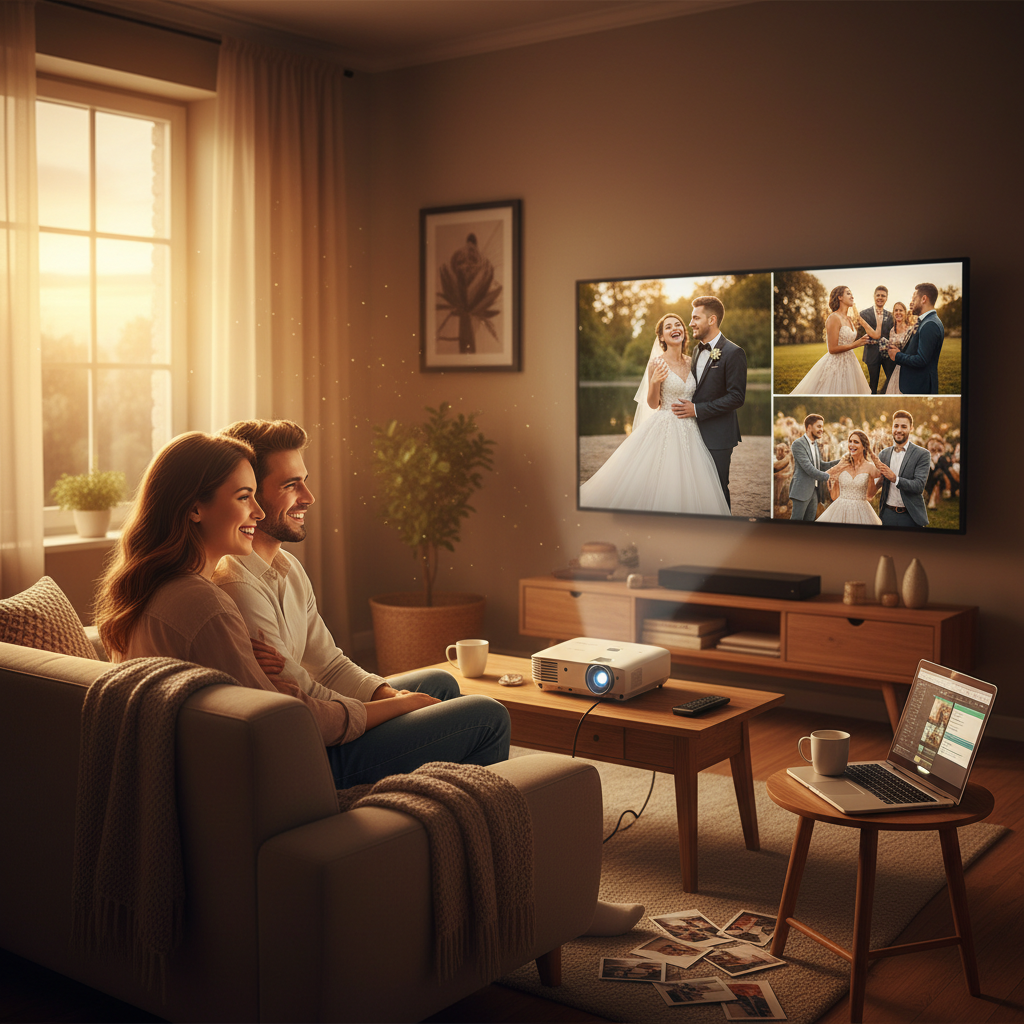
1. Why a Wedding Slideshow Deserves a Spot in Your Celebration
A wedding slideshow isn't just a collection of photos; it's a journey through time, a visual narrative of your unique love story. It's an opportunity to share significant moments with your guests, from your childhood innocence and individual journeys to your first meeting, budding romance, and the joyous milestones leading up to your big day. Imagine the smiles and sentimental tears as your loved ones witness your growth, adventures, and the undeniable connection that brought you to this moment.
- **Emotional Connection:** Evokes nostalgia and strengthens the emotional bond between you and your guests.
- **Personalized Storytelling:** Shares your journey in a uniquely personal and engaging way.
- **Entertainment & Keepsake:** Provides delightful entertainment during cocktail hour or reception and serves as a treasured memento.
- **Easy & Affordable:** Modern tools make creating a high-quality slideshow simpler and more accessible than ever before.
Beyond the emotional impact, a well-crafted slideshow can serve multiple practical purposes at your wedding. It can fill quiet moments during the reception, provide a charming backdrop, or even be a central part of a toast or speech. It’s an easy, yet deeply impactful, addition to your wedding day elements, requiring far less effort than you might think.
2. Phase 1: The Pre-Production — Gathering Your Memories
Before you dive into any software, the real magic of your slideshow begins with thoughtful preparation. This 'pre-production' phase is crucial for a smooth and quick creation process. Think of it as laying the foundation for your cinematic masterpiece.
Aim for 50-100 high-quality photos that span your lives. Include childhood pictures, individual milestones, your first meeting, dating adventures, engagement, and even a few fun, candid shots. Variety is key!
Once selected, organize your photos chronologically in a dedicated folder. Renaming them (e.g., 'Wedding_001.jpg', 'Wedding_002.jpg') helps maintain sequence and makes uploading easier.
Choose 1-3 songs (depending on your desired slideshow length) that resonate with your relationship. Consider instrumental pieces for emotional depth or upbeat tracks for celebration. Think about songs that have special meaning to you both. Need ideas? Check out these 27 Wedding Slideshow Song Ideas for Every Moment.
Ensure you have a stable internet connection and are using a modern web browser (like Chrome, Firefox, Safari, or Edge) for optimal performance.
Whenever possible, use high-resolution images. Blurry or pixelated photos can detract from the overall cinematic quality of your slideshow. If you only have low-res options for a truly essential moment, use them sparingly and strategically.
3. Phase 2: The Creation — Building Your Cinematic Story (in 30 Minutes!)
Now for the exciting part! This is where you transform your carefully curated memories into a seamless, engaging visual experience using an intuitive, AI-powered tool. We'll demonstrate how to make a wedding slideshow quickly and beautifully with cinematicslideshowstudio.com, which offers a free, browser-based solution.
- **Upload Your Photos:** Navigate to the platform's creation page. Drag and drop your organized photo folder directly into the uploader. The AI will intelligently analyze your chosen photos and, based on common slideshow best practices, begin to suggest optimal pacing.
- **Add Your Music:** Select the 'Add Music' option. You can upload the 1-3 songs you selected earlier. The AI will then work its magic, automatically syncing your photos to the beat and rhythm of your chosen tracks, ensuring smooth transitions and a truly cinematic feel. This usually takes just a few seconds.
- **Review & Refine (Optional, but Recommended):** While the AI does a fantastic job, take a moment to preview your slideshow. You might want to adjust the order of a few photos manually, perhaps to emphasize a particular moment, or trim the start/end of a song. The intuitive timeline editor makes these minor tweaks easy. For more on music, see How to Add Music to a Slideshow (Free, Browser-Based).
- **Add Text (Optional):** Many couples choose to add short captions or title slides to mark different eras (e.g., 'Our Childhoods,' 'The Engagement'). This feature allows you to add a personal touch and guide your audience through your narrative.
- **Generate & Download:** Once you're happy with your masterpiece, hit the 'Generate' or 'Create Slideshow' button. The platform will process your project, and usually within minutes, you'll receive a high-quality video file (MP4) ready for download. This file is yours to keep, share, and cherish forever.

Why AI Makes It So Fast
Traditional slideshow creation can be a time-consuming endeavor, often taking hours to perfectly sync photos to music, choose transition styles, and ensure optimal pacing. AI-powered tools eliminate this manual labor. By analyzing image content, audio waveforms, and user preferences, the AI automates these complex tasks, drastically reducing creation time from hours to mere minutes—without sacrificing quality or professional polish. This means you get a cinematic result without the expertise or the time commitment.
Get the weekly digest
No spam. Unsubscribe anytime.
4. Phase 3: The Post-Production — Displaying Your Love Story
With your cinematic wedding slideshow complete, the final step is to ensure it's presented beautifully at your wedding. A stunning slideshow deserves a stunning display!
| Display Method | Best For | Key Considerations |
|---|---|---|
| Projection Screen | Large venues, maximum impact during reception | Requires projector, screen, sound system. Test well in advance. |
| Multiple Flat-Screen TVs | Cocktail hour, ambient display, smaller venues | Requires multiple TVs, media players/laptops. Good for continuous looping. |
| Online Sharing (Private Link) | Pre-wedding announcement, sharing with distant relatives | Easy to share, accessible worldwide. Password protection often available. |
| USB Drive | Backup, direct playback on smart TVs (hotel rooms, small gatherings) | Reliable, no internet needed. Ensure TV compatibility. |
Coordinate with your venue and/or DJ about the best time and setup for playing your slideshow. Often, it's perfect during dinner, cocktail hour, or as an introduction to the bridal party. Ensure the audio is clear and the visuals are crisp for everyone to enjoy. A test run is absolutely essential to avoid any technical glitches on your big day.
5. Choosing the Perfect Length for Your Wedding Slideshow
One of the most common questions about wedding slideshows is, 'How long should it be?' The answer often depends on your content, audience, and the overall flow of your wedding day. However, there are general guidelines to ensure your slideshow remains engaging and doesn't overstay its welcome.
For a 5-minute slideshow, you'd typically want around 75-100 photos, assuming a photo display time of 3-4 seconds per image. If your slideshow is shorter (e.g., 3 minutes), aim for 45-60 photos. Remember, quality over quantity is paramount. It’s better to have a slightly shorter, impactful slideshow than a long one that drags. For a deeper dive into optimal lengths and examples, explore our guide on How Long Should a Wedding Slideshow Be? (With Real Examples).
"''The best stories are not necessarily the longest, but those that leave the most profound impression. Your wedding slideshow should be a poignant spark, not a rambling monologue.''"
Frequently asked questions
One short note. One great slideshow idea. Every week.
No spam. Unsubscribe anytime.
Comments (0)
Be the first to comment.
