Memorial Slideshow Ideas: Honoring a Life with Photos & Voice
Creating a memorial slideshow is a profound way to honor the life of someone dearly missed. It's a chance to transform cherished memories into a moving visual tribute that speaks volumes without a single word, or, even better, with carefully chosen words. Whether you're preparing for a funeral, a celebration of life, or a private family gathering, the thought of compiling years of memories can feel overwhelming. Where do you begin? What photos should you include? How long should it be? And what about music or even narration? This guide offers thoughtful **memorial slideshow ideas**, song suggestions, and practical tips to help you craft a meaningful and memorable tribute. We'll walk you through the process, from selecting the perfect images to adding a heartfelt voiceover, ensuring the slideshow truly reflects the unique spirit of the person you're remembering. Our goal is to empower you to create a lasting legacy that celebrates a beautiful life lived through the enduring power of photos and voice.
- →Plan your slideshow with a clear narrative or theme in mind.
- →Select a mix of photos that capture different life stages and aspects of their personality.
- →Choose music that resonates with the individual and the overall tone of the tribute.
- →Consider adding a voiceover to share personal anecdotes and bring the memories to life.
- →Review and refine your slideshow to ensure a smooth flow and emotional impact.
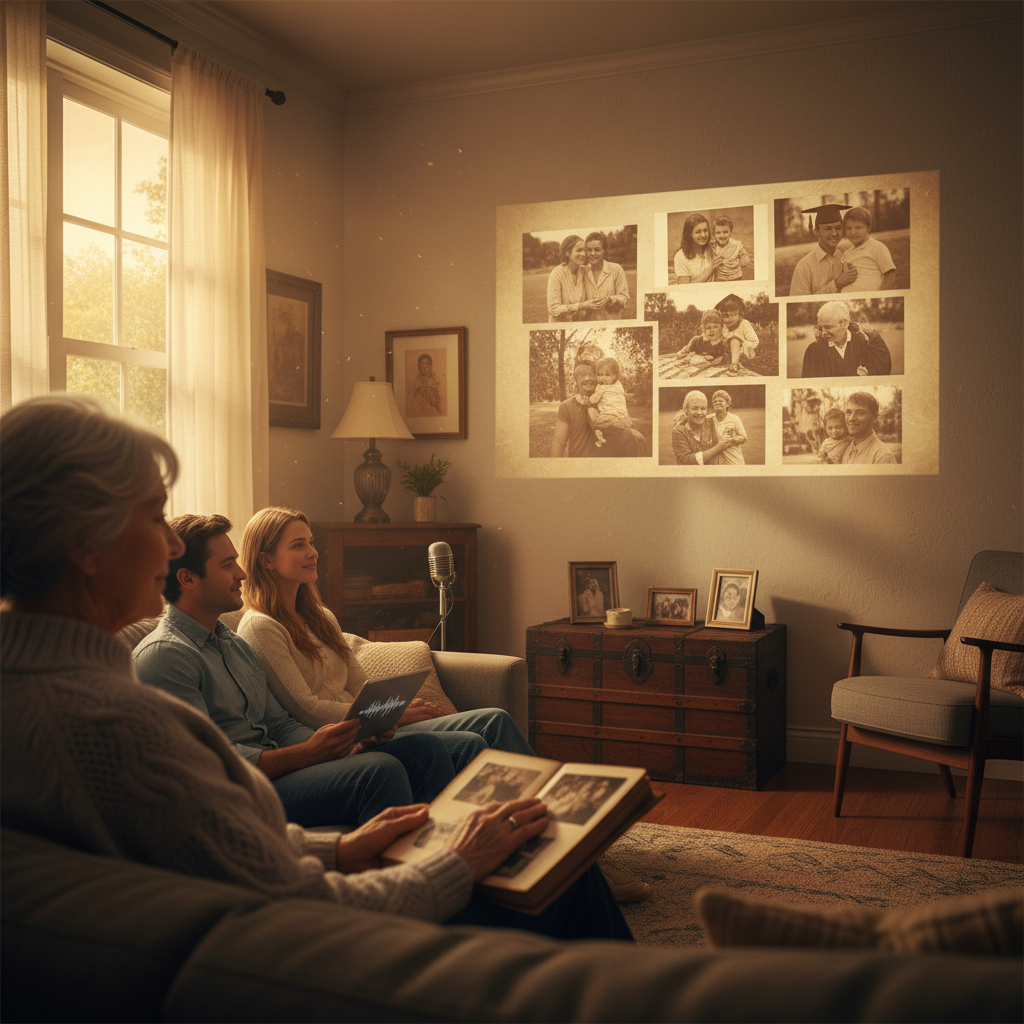
1. Setting the Tone: Choosing a Narrative for Your Memorial Slideshow
Before you even open a folder of photos, take a moment to consider the overarching tone and story you want to tell. Will it be a poignant reflection on their life's journey, a joyous celebration of their adventurous spirit, or a tender collection of everyday moments that made them special? Having a clear narrative in mind acts as your compass, guiding your photo selection, music choices, and overall pacing. This isn't about creating a rigid script, but rather a thematic anchor that gives your tribute structure and emotional depth.
- **Life Chronology:** A classic approach, starting from childhood and progressing through significant life events.
- **Theme-Based:** Focus on a specific aspect, like their passions (e.g., travel, gardening, community service) or relationships (e.g., family person, devoted friend).
- **
- A Day in the Life
- : If relevant, showcase what a typical day might have looked like, filled with their routines and favorite things.
- **
- Words They Lived By
- : Interweave inspiring quotes or their own meaningful phrases with corresponding photos.
For instance, if your loved one was a passionate gardener, you might center the slideshow around their evolving garden, punctuated by photos of them tending to plants, enjoying blooms, and sharing their harvest with others. Or, if they were known for their witty humor, you could select photos that capture their laughter and joyful expressions, perhaps with lighthearted, uplifting music. The narrative doesn't have to be complex; it just needs to feel authentic.
2. The Art of Photo Selection: Curating a Life in Images
This is often the most challenging yet rewarding part. Aim for a balance of quantity and quality. While every photo holds a memory, not every photo needs to be in the slideshow. Focus on images that evoke emotion, tell a story, or represent a significant moment. Don't be afraid to include candid shots alongside more formal portraits; sometimes the unguarded moments are the most powerful.
As a general guideline, for a 5-7 minute slideshow — a common duration for memorial tributes — you'll want roughly 60-100 photos. This allows for an average display time of 3-5 seconds per photo, which is usually enough for contemplation without feeling rushed. You can use a <a href="/tools/slideshow-length-calculator">slideshow length calculator</a> to help estimate.
Include photos from childhood, adolescence, young adulthood, and later years to show a full life.
Show them with family, friends, pets, and colleagues to highlight their connections.
Feature them engaged in activities they loved, showcasing their personality.
Mix spontaneous, joyful moments with important milestones for a well-rounded view.
Don't overlook digital photos stored on various devices, social media, or even old hard drives. For physical photos, consider scanning them at a high resolution to ensure clarity. If you're working with others, delegate specific time periods or types of photos to gather, making the process more manageable. Remember, the goal is to create a visual journey that celebrates their unique essence.
3. The Power of Sound: Music and Voiceover Choices
Music is the emotional heartbeat of any slideshow, and for a memorial tribute, its impact is profound. The right song can evoke deepest feelings and memories, creating an atmosphere of remembrance, solace, or celebration. Consider songs that were meaningful to the person, their favorite genres, or lyrics that resonate with their life story. You might opt for instrumental pieces for quieter moments or a blend of more uplifting tunes to reflect their joyful spirit. Typically, 2-4 songs work well for a 5-7 minute slideshow, allowing each song to play for a decent duration without abrupt cuts.
- **Personal Favorites:** Songs they loved or that were significant to their relationships.
- **Reflective Instrumentals:** Pieces that create a peaceful and contemplative mood.
- **Uplifting & Hopeful:** Songs with messages of enduring love, peace, or spiritual connection.
- **Thematic Choices:** Music that aligns with a specific hobby or passion showcased in photos (e.g., country music for a nature lover).
For specific suggestions, explore our curated list of <a href="/blog/best-songs-for-memorial-slideshow">Best Songs for a Memorial Slideshow</a>. Don't underestimate the power of a voiceover. Adding a personal narration can elevate a slideshow from a collection of images to a deeply personal storytelling experience. A voiceover — whether it's one person or several family members and friends sharing short anecdotes — can provide context for photos, share heartwarming memories, or offer a final message of love. It adds an irreplaceable layer of intimacy and connection.
"Music is the purest type of prayer. It brings people together, it inspires, and it unites. It is the language of our souls."
Get the weekly digest
No spam. Unsubscribe anytime.
4. Pacing and Flow: Crafting a Seamless Visual Journey
The pacing of your memorial slideshow is crucial to its emotional impact. A common mistake is to either rush through photos too quickly or linger for too long, losing the audience's engagement. Aim for a gentle, consistent flow. Most photos will benefit from being displayed for 3-5 seconds, allowing viewers enough time to absorb the image and the memory it evokes without becoming bored.
Varying the pace slightly can add interest. For particularly significant or poignant photos, you might extend the display time to 7-10 seconds. Conversely, a rapid succession of joyful, candid shots might work well for a short burst. Think about the rhythm as you build: slowly introducing early life, building to peak moments, then perhaps a more contemplative winding down.
| Consideration | Before Slideshow | During Slideshow |
|---|---|---|
| Transitions | Choose subtle, gentle transitions (e.g., fades, dissolves) over flashy effects. | Ensure transitions are consistent and don't distract from the images. |
| Photo Order | Group photos thematically or chronologically for a clear progression. | Test the flow to see if the story makes sense and feels natural. |
| Music Fading | If using multiple songs, plan where each song will begin and end. | Cross-fade between tracks smoothly to avoid jarring breaks. |
When you're ready to bring all these elements together, a tool like the <a href="/memorial-slideshow-maker">Cinematic Slideshow Studio</a> can help you seamlessly integrate photos, music, and voiceovers. It allows you to focus on the content and emotional impact, rather than getting bogged down in complex editing. Remember, the goal is to create a cohesive and heartfelt tribute that honors their memory beautifully.
5. Sharing and Preserving: A Lasting Legacy
Once your memorial slideshow is complete, you'll want to ensure it can be easily shared and preserved for years to come. Consider the different contexts in which it might be viewed — at a funeral service, a celebration of life, or privately among family. For larger gatherings, ensure the display is on a screen large enough for everyone to see clearly.
- **Funeral or Memorial Service:** Play the slideshow on a loop before and after the service, or at a specific point during the ceremony. Check the venue's A/V capabilities well in advance.
- **Celebration of Life Event:** A less formal setting often allows for more continuous playback, perhaps on multiple screens.
- **Online Sharing:** Upload the slideshow to a private cloud storage service or a trusted video platform to share with distant friends and family. This provides a permanent digital memorial.
- **Physical Copies:** Create DVDs or USB drives for close family members as tangible mementos. Digital photo frames that can loop the slideshow are also a wonderful option for ongoing display in a home.
Preserving these digital memories is also key. Back up your original photos and the finished slideshow on multiple platforms — a cloud service, an external hard drive, or even a specialized archival service. Technology evolves, but the memories captured in your slideshow are timeless. By taking these steps, you ensure that this beautiful tribute, and the life it celebrates, will be remembered and cherished for generations.
Frequently asked questions
One short note. One great slideshow idea. Every week.
No spam. Unsubscribe anytime.
Comments (0)
Be the first to comment.
