Pet Memorial Slideshow: Honoring Your Furry Friend (Free)
Losing a beloved pet is an incredibly painful experience. They aren't just animals; they're cherished family members who bring immeasurable joy, comfort, and unconditional love into our lives. When they cross the rainbow bridge, the grief can feel overwhelming, and finding ways to honor their memory becomes a vital part of the healing process. A beautiful and heartfelt way to celebrate the life of your furry companion is by creating a <mark>pet memorial slideshow</mark>. More than just a collection of photos, a memorial slideshow is a living tribute, a narrative that captures the essence of their unique personality, the adventures you shared, and the special bond you forged. It allows you to revisit those precious moments, from their playful puppy or kitten days to their serene senior years, and to share their story with others who loved them. This guide will walk you through everything you need to know to create a touching and free pet memorial slideshow that truly honors your best friend.
- →A pet memorial slideshow is a powerful way to honor your beloved companion's life and aid in the grieving process.
- →Gather a diverse collection of photos and videos, including candid moments, milestones, and daily life shots.
- →Select music that evokes appropriate emotions – from joyful to reflective, without being overly sad.
- →Keep the slideshow concise (2-5 minutes) for maximum impact, allowing for roughly 3-5 seconds per photo.
- →Consider adding text captions, quotes, or even voice narration to enhance the storytelling.
- →Utilize a free, user-friendly tool like cinematicslideshowstudio.com to easily bring your tribute to life.
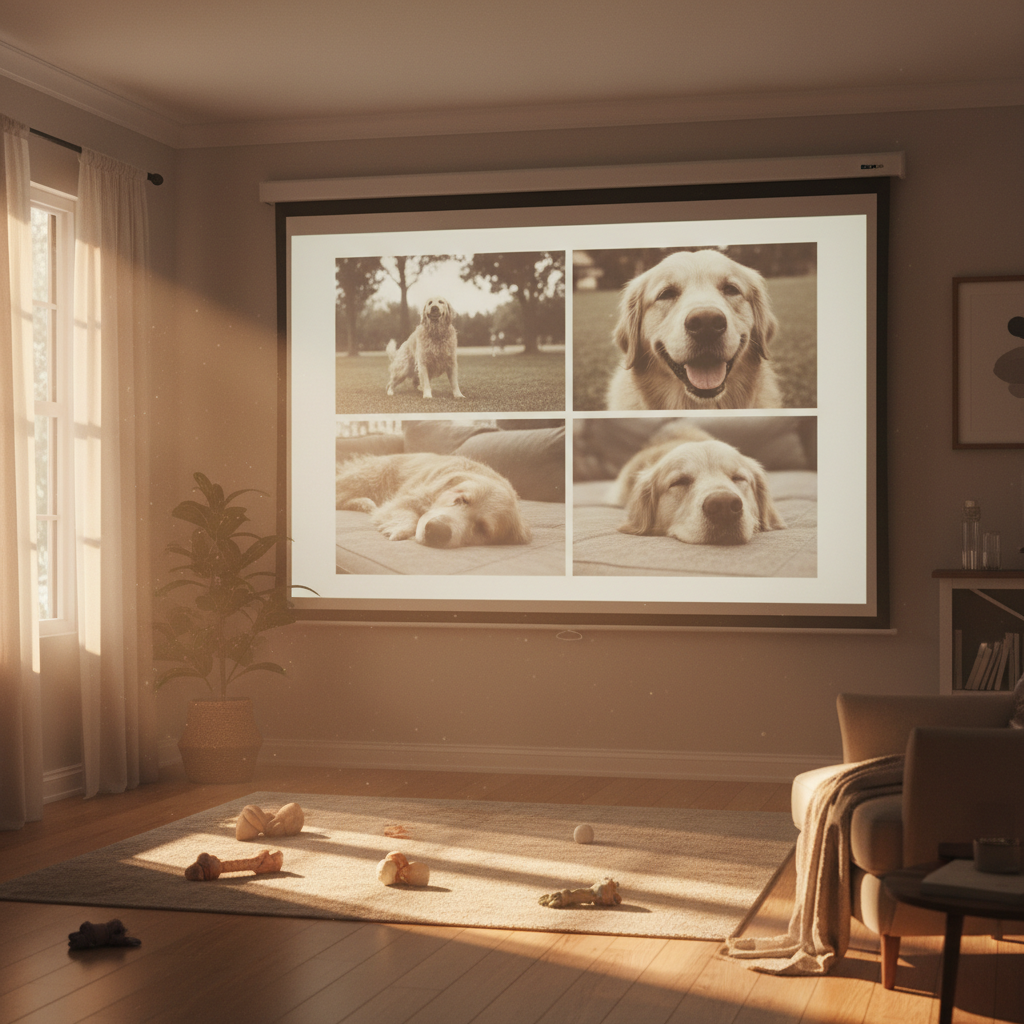
1. Why Create a Pet Memorial Slideshow?
The bond we share with our pets is unique and profound. They are sources of constant companionship, laughter, and unwavering loyalty. When they're gone, the silence in the house can be deafening, and the emptiness in our hearts can feel unbearable. A memorial slideshow serves multiple purposes in this difficult time, offering solace and a tangible way to remember.
- **A Healing Tribute:** Actively engaging in the creation process can be therapeutic, helping you channel grief into a beautiful act of remembrance.
- **Shared Memories:** It allows family and friends to reminisce together, sharing stories and comfort.
- **Preserving Legacy:** Your pet's unique personality and the joy they brought will be forever preserved in a shareable format.
- **A Digital Keepsake:** Unlike physical albums that might gather dust, a digital slideshow is easily accessible and shareable across devices and platforms.
It’s a way to acknowledge the depth of your love and the significant impact they had on your life, transforming sorrow into a celebration of their existence. It's a testament to the fact that while they may be gone, they will never be forgotten.
2. Gathering Your Precious Memories: Photos & Videos
The heart of any memorial slideshow lies in its visual content. This is where you bring your pet's story to life. Don't limit yourself to just a few 'perfect' shots; aim for a diverse collection that truly represents their journey and your shared experiences.
Photos from puppyhood or kittenhood, showing their playful beginnings.
Candid shots of them sleeping, eating, playing with their favorite toy, or just lounging.
First walk, learning a trick, birthday celebrations, or pet-friendly vacations.
Pictures with family members, showing the connection and love.
Capture their unique personality – funny expressions, odd sleeping positions, or mischievous antics.
Short video clips can add dynamic emotion and bring memories to life.
Organize your chosen media into chronological order or thematic groups. This structure will help create a coherent and emotionally resonant narrative. Consider scanning old physical photos if needed – every memory counts!
3. Choosing the Perfect Soundtrack for a Pet's Life
Music sets the emotional tone for your slideshow. For a pet memorial, you want a balance of warmth, love, and perhaps a touch of gentle melancholy, without being overtly somber. Think about songs that evoke the joy and comfort your pet brought into your life, rather than just sadness. Sometimes, instrumental tracks can be particularly effective.
When sharing publicly, ensure your chosen music is licensed or royalty-free to avoid copyright issues. For private family viewing, personal music is fine.
Here are some popular and fitting song ideas, ranging in mood:
- "Somewhere Over the Rainbow" (Israel Kamakawiwoʻole version) - Gentle, hopeful.
- "What a Wonderful World" (Louis Armstrong) - Reflective, appreciative.
- "Hallelujah" (Leonard Cohen or various covers) - Poignant, spiritual.
- "You've Got a Friend in Me" (Randy Newman) - Playful, loyal, perfect for a dog or cat's companionship.
- "Home" (Edward Sharpe & The Magnetic Zeros) - Whimsical, heartwarming.
- "Fix You" (Coldplay) - Empathetic, comforting (for longer slideshows).
- Instrumental piano or acoustic guitar pieces - Offer a serene backdrop without distracting from photos.
The length of your chosen song(s) will also dictate the duration of your slideshow. Aim for a total slideshow length of 2-5 minutes; this is usually enough time to convey emotion without overwhelming viewers. A 3-minute slideshow, for example, allows for about 36-60 photos, depending on your preferred pacing (3-5 seconds per photo).
Get the weekly digest
No spam. Unsubscribe anytime.
4. Crafting Your Pet's Story: Tips for an Impactful Slideshow
Once you have your media and music, it's time to assemble your tribute. A well-crafted slideshow tells a story, and a few key techniques can make yours truly unforgettable.
- **Pacing is Key:** Allow each photo enough time to be seen and appreciated (3-5 seconds). Varying the pace can add interest, holding longer on particularly impactful images.
- **Start Strong, End Meaningfully:** Begin with a heartwarming photo that captures your pet's essence. Conclude with a poignant image and perhaps a simple text message like "Always in Our Hearts" or "Forever Loved."
- **Use Text Sparingly but Effectively:** Short captions or dates can add context. A beautiful quote about pets or the bond you shared can be very moving. Consider including their name, birth/adoption date, and date of passing.
- **Transitions & Effects:** Use subtle transitions (fade, dissolve) to keep the focus on the photos, not flashy effects. Avoid overusing animations that might distract from the emotional core.
- **Consider Voiceover:** A brief voice recording sharing a favorite memory or a loving message can add an incredibly personal and powerful dimension.
- **Proofread Everything:** Double-check any text for typos or errors. You want this tribute to be perfect.
Remember, the goal is to create a heartfelt homage that brings comfort and celebrates a life well-lived. Don't be afraid to let your emotions guide you through the process.
5. Bringing It All Together: Creating Your Free Pet Memorial Slideshow
You don't need expensive software or professional skills to create a beautiful tribute. Several free tools make the process straightforward and accessible. Our free AI cinematic slideshow maker, for instance, simplifies the entire process.

Easy Steps with Cinematicslideshowstudio.com
Simply upload your chosen photos and videos, select your preferred music (or let our AI suggest some!), customize text, and let the AI do the heavy lifting to create a polished, cinematic memorial. It handles timing, transitions, and effects, allowing you to focus on the memories.
Other free options include using Google Photos, Apple Photos, or basic video editing software available on most computers. The key is to choose a tool that feels intuitive and allows you to focus on the emotional content rather than getting bogged down in technicalities.
Frequently asked questions
One short note. One great slideshow idea. Every week.
No spam. Unsubscribe anytime.
Comments (0)
Be the first to comment.
